> ## Documentation Index
> Fetch the complete documentation index at: https://wb-21fd5541-docs-1917.mintlify.site/llms.txt
> Use this file to discover all available pages before exploring further.
# How do you delete a custom chart preset?
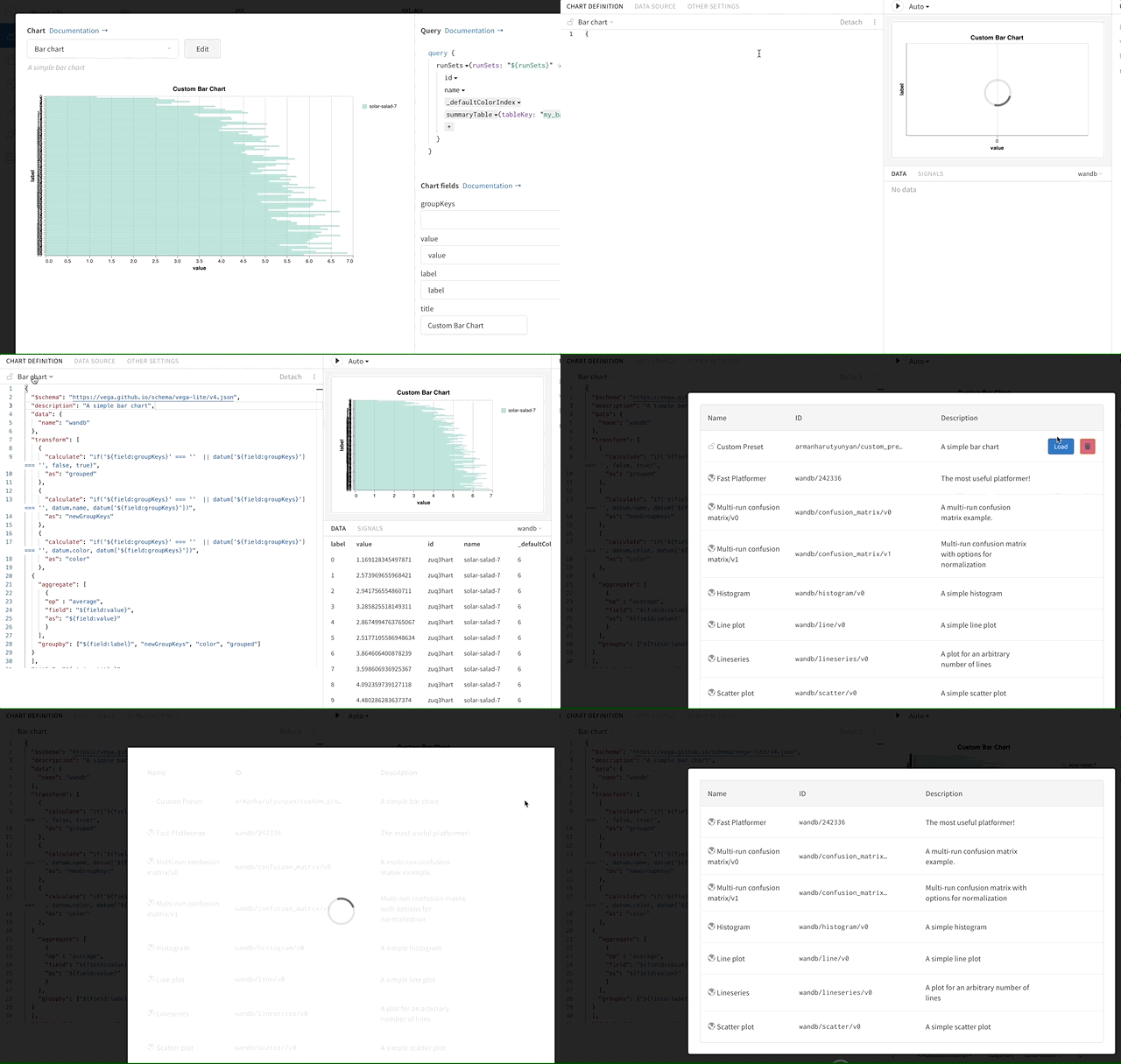
Access the custom chart editor. Click on the currently selected chart type to open a menu displaying all presets. Hover over the preset to delete, then click the Trash icon.
 ***
[Charts](/support/models/tags/charts)
***
[Charts](/support/models/tags/charts)